Create quotes, approve orders, and keep customer details connected in one place. Reduce duplicate data entry and manage more jobs with less manual work.
100K+
Online Stores
6M+
Orders
$1B+
In Sales
Manage Quotes & Orders In One Place
Create quotes, manage customer orders, and keep pricing, artwork, and job details organized. DecoNetwork connects quoting and order management to move jobs forward without duplicate data entry.

Create Quotes Faster
Build quotes with product pricing, decoration costs, quantities, and customer info.

Turn Quotes Into Orders
Convert approved quotes into orders without reentering products, pricing, or job details.

Keep Orders Organized
Track orders, manage job details, and keep your team informed at every stage.

Keep Production Moving
Keep order details connected so your production team knows what to make and when.
Create Quotes Faster With Less Manual Work
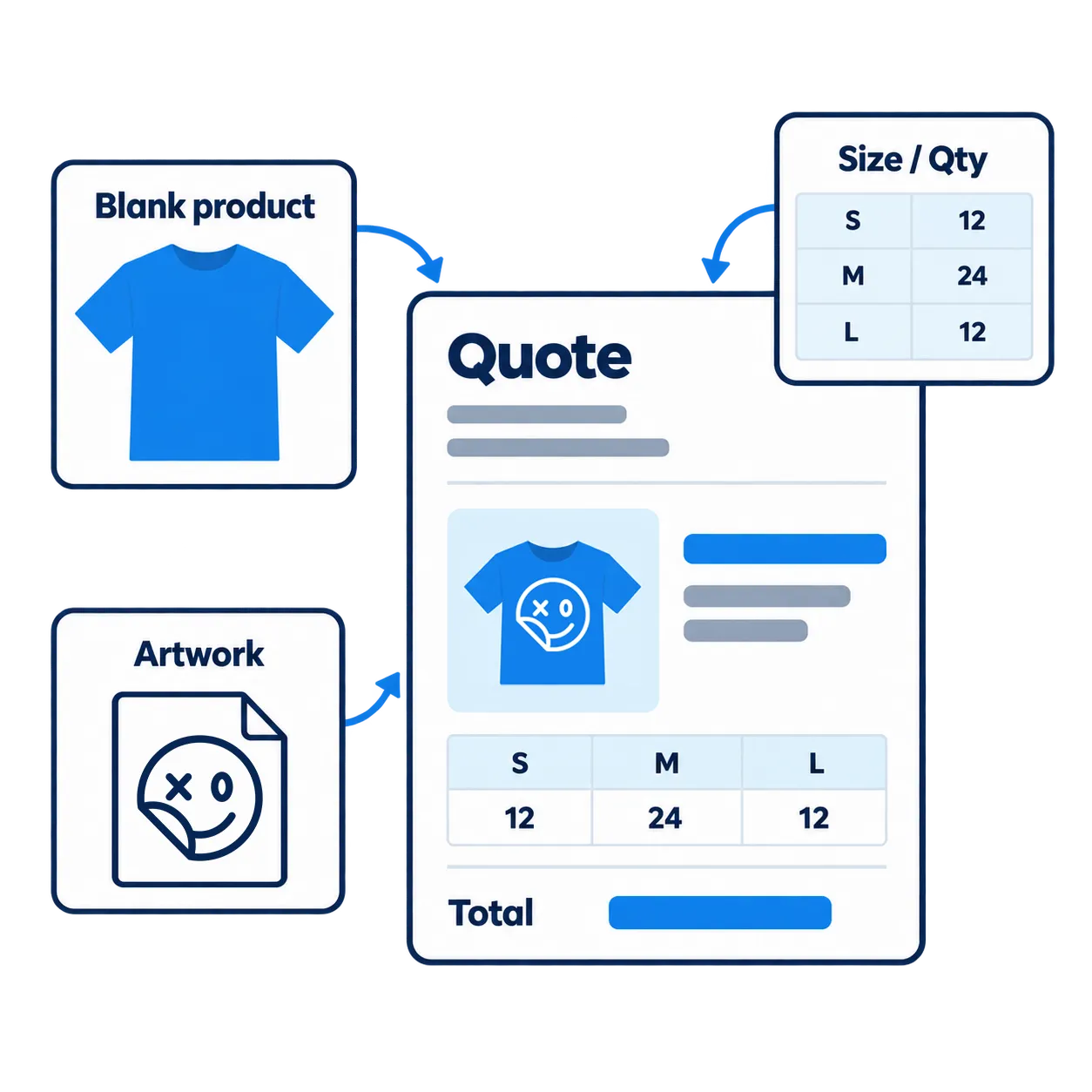
Build accurate quotes for custom apparel, screen printing, embroidery, and other decoration jobs. Keep product pricing, decoration costs, quantities, and customer details connected to make quoting faster and easier.
Add Supplier Products
Select garments and other products from integrated supplier catalogs to build quotes with product details and pricing.
Choose Decoration Methods
Add screen printing, embroidery, DTF, and other decoration methods to match each job’s production requirements.
Calculate Decoration Costs
Build quotes around decoration methods, quantities, and pricing rules to calculate costs for each job.
Set Your Selling Prices
Apply markups, adjust quantities, and manage customer pricing to prepare quotes that work for your business.
Add Artwork And Job Details
Keep customer artwork, decoration instructions, and job requirements connected with each quote.
Send Professional Quotes
Share detailed quotes with customers so they can review products, pricing, and job information before approving.
Turn Quotes Into Orders Without Starting Over
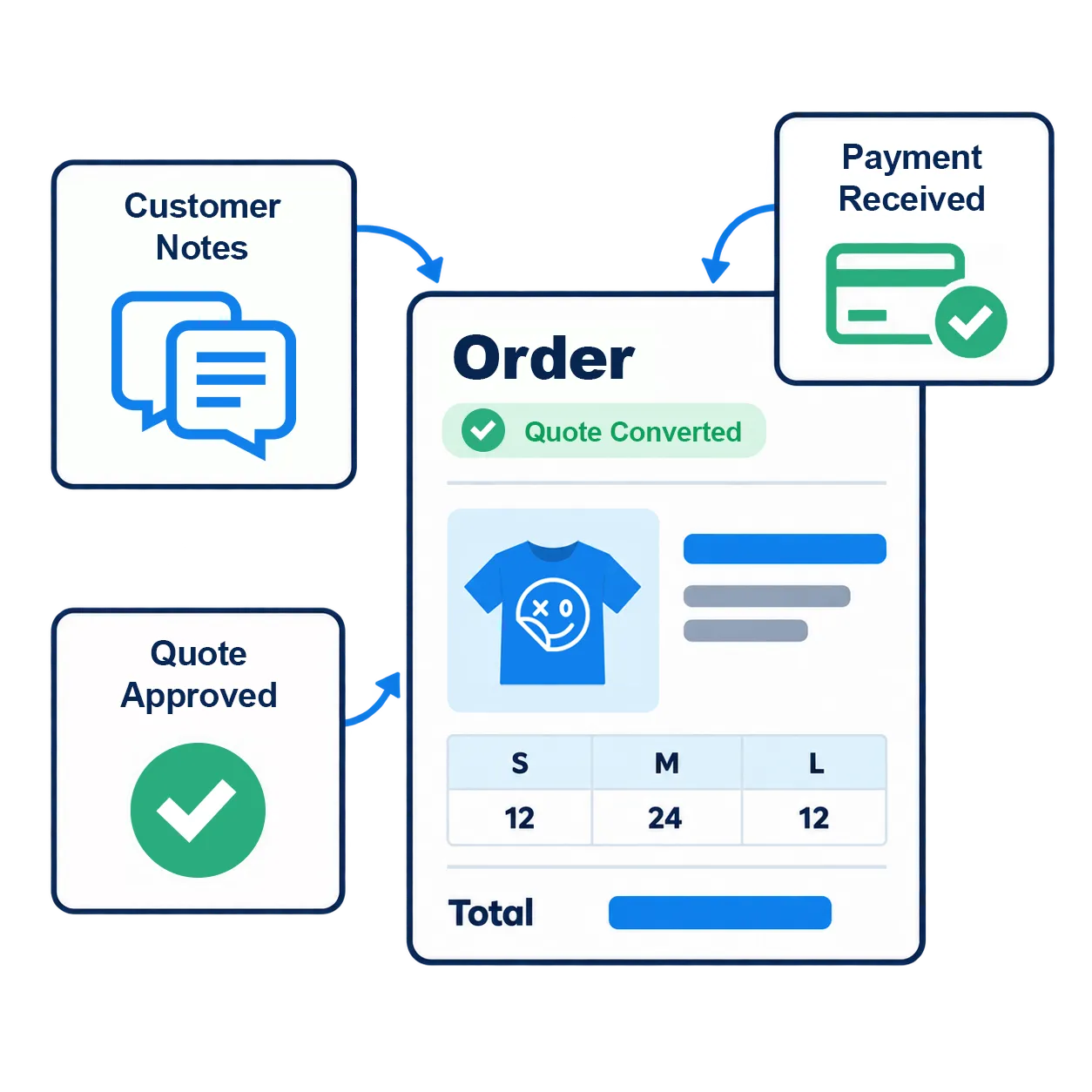
Convert approved quotes into customer orders without reentering products, pricing, artwork, or job details. Keep information connected and move jobs forward with less manual work.
Send Quotes For Approval
Share detailed quotes so customers can review products, quantities, decoration requirements, and pricing before buying.
Track Quote Approvals
Monitor quote status and customer decisions to see which quotes are awaiting approval and which are ready to be orders.
Convert Quotes Into Orders
Turn approved quotes into customer orders without rebuilding product lists, pricing, or job details.
Carry Details Into Orders
Keep customer information, artwork, and decoration requirements connected when converting quotes into orders.
Review Orders Before Production
Check quantities, pricing, artwork, and delivery requirements to make sure order details are ready for the next stage.
Keep Order Records Organized
Keep customer details, order information, and job requirements together for easier tracking and reference.
Keep Every Customer Order Organized In One Place
Keep customer orders, artwork, deadlines, and job details organized in one place. Track progress, manage priorities, and give your team a clear view of every order.
View All Customer Orders
See customer orders, check job details, and quickly identify which orders need attention from one central location.
Track Order Statuses
Monitor order progress and see which jobs are pending, in progress, or completed so nothing gets overlooked.
Update Order Details
Adjust quantities, products, and job requirements as needed while keeping order information organized and accessible.
Manage Artwork And Job Files
Keep customer artwork, design files, and decoration instructions connected with the correct orders.
Track Order Deadlines
Keep delivery dates and job requirements visible so your team can prioritize orders and plan upcoming work.
Coordinate Your Team
Give your team access to order details, customer requirements, and updates so everyone knows what needs to happen next.
Keep Orders Moving From Approval To Production
Keep artwork, decoration instructions, and order details connected as jobs enter production. Assign tasks, track progress, and give your team a clearer path from approval to fulfillment.
Send Orders To Production
Carry product details, quantities, artwork, and decoration requirements directly from customer orders into production.
Create Production Jobs
Turn customer orders into actionable jobs with the products, decoration methods, and production requirements you need.
Keep Production Details Clear
Keep artwork, decoration placements, quantities, and job instructions together so your team knows what’s required.
Assign Production Tasks
Organize teams across screen printing, DTF, embroidery, and other decoration methods so everyone knows their next task.
Track Production Progress
See which jobs are waiting, in progress, or completed so your team can identify delays and keep orders moving.
Prepare Orders For Fulfillment
Keep completed jobs connected with customer orders so your team can prepare products for pickup, delivery, or shipping.
Explore More Quote & Order Features
Go beyond basic quoting and order management with tools for pricing, artwork, payments, and repeat business. Handle more customer requirements without adding unnecessary manual work.

Professionally Branded Quotes
Add your business logo and branding to professional quotes.

Quantity-Based Pricing For Quotes
Set pricing based on garment quantities and order sizes.

Custom Decoration Pricing Rules
Calculate pricing for screen printing, embroidery, and more.

Customer-Specific Pricing
Manage pricing for individual customers and accounts.

Product Mockups For Quotes
Show customers how their decorated products will look.

Artwork Approvals For Quotes
Keep customer design approvals with each job.

Quote Revision Management
Update quotes as customer requirements change.

Customer Order Detail History
Access previous orders and customer purchase details.

Order Payment Tracking
Monitor payments and outstanding order balances.

Manage Shipping Details
Keep shipping details connected with customer orders.

Repeat Customer Orders
Use previous order details to prepare repeat purchases.
What Print Shops Say About DecoNetwork
Hear from garment decorators using DecoNetwork to manage online stores, customer orders, and more of their day-to-day workflow.

Get Organized!
DecoNetwork keeps orders organized, workflows smooth, and production on track.
Meryl, Make A Tee Online

Connect Suppliers!
DecoNetwork integrations with supplier catalogs make ordering products effortless.
Ali, JZ Embroidery

Stay Competetive!
DecoNetwork really allows the smaller print shop to compete against the big guys.
Coltin, Golden Custom
Quotes & Orders FAQ
Find answers to common questions about DecoNetwork’s quote and order management software, including pricing, approvals, order tracking, production, and managing more jobs.
What Is Print Shop Quote & Order Management Software?
Print shop quote and order management software helps garment decorators create quotes, manage approvals, track orders, and organize customer.
How Does DecoNetwork Help Create Quotes Faster?
Build quotes using supplier products, decoration methods, quantities, and pricing rules while keeping customer information connected.
Can I Calculate Screen Printing And Embroidery Pricing?
Yes. Create quotes using garment quantities, decoration pricing rules, and job requirements for screen printing, embroidery, and other methods.
Can Customers Review And Approve Quotes Online?
Customers can review products, quantities, decoration details, and pricing before approving a quote through the available approval process.
Can I Convert An Approved Quote Into An Order?
Yes. Convert approved quotes into customer orders without reentering product selections, pricing, artwork, or job details.
How Can I Track And Manage Customer Orders?
View orders, monitor statuses, update job details, and track deadlines in one place so your team knows what needs attention.
Can I Connect Customer Orders With Production?
Yes. Carry artwork, quantities, decoration instructions, and order requirements into production to help your team prepare and track jobs.
Can DecoNetwork Support My Print Shop As Order Volume Grows?
Yes. Keep quoting, customer orders, artwork, and production connected as your print shop grows, reducing the need for separate systems.